
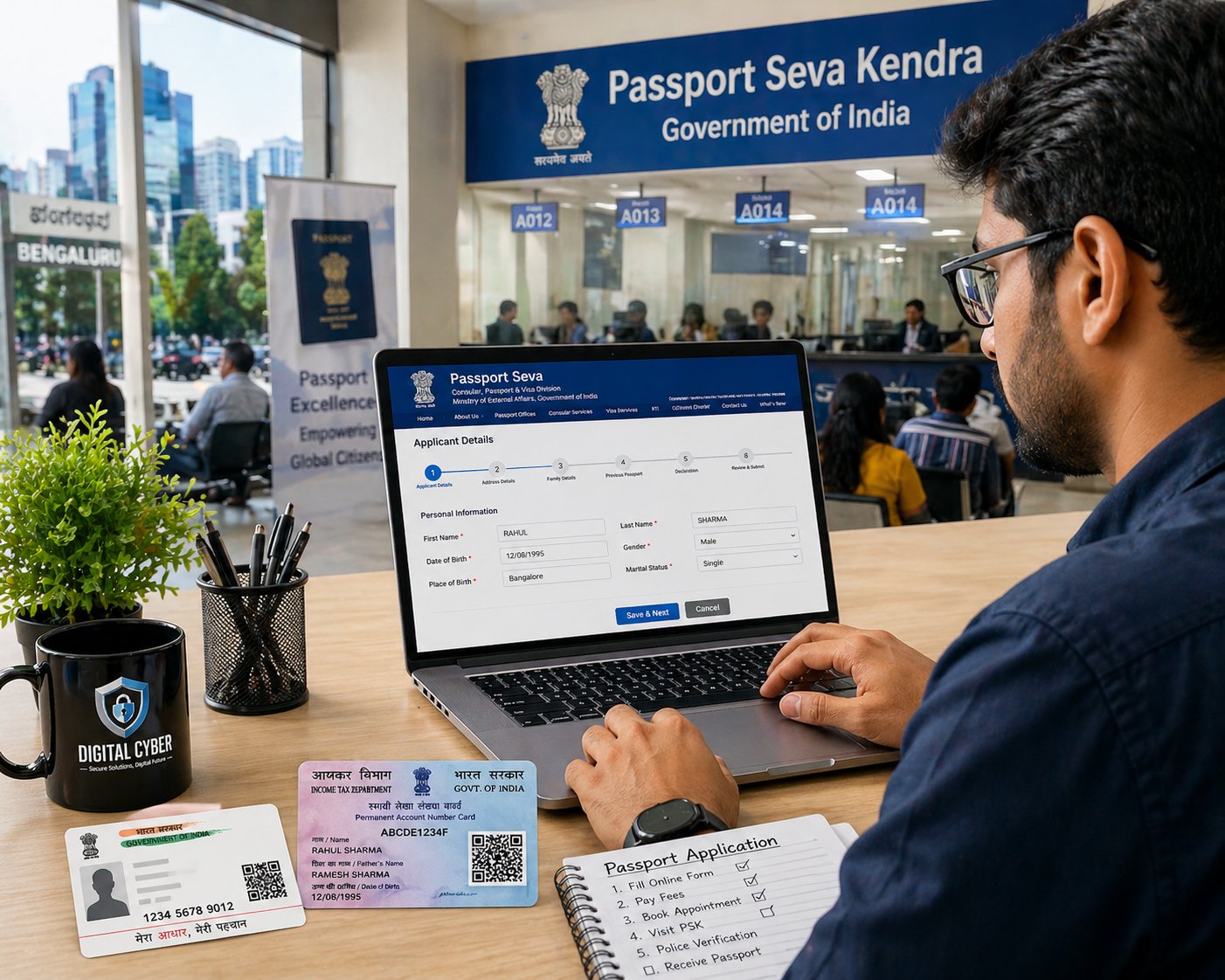
Getting a passport in India has become faster and more streamlined in 2026. Whether you're in Bangalore, Chickpet, Chikkabasthi, or searching for “passport services near me,” this guide will walk you through the exact online process—simple, clear, and practical.
🧾 Step 1: Register on the Official Passport Website
Visit the Passport Seva Portal and create your account.
- Choose your nearest passport office (e.g., Bangalore PSK)
- Use a valid email ID
- Set a secure password
👉 This is your main dashboard for all passport-related services.
📝 Step 2: Fill Passport Application Form
After login:
- Click “Apply for Fresh Passport / Reissue”
- Fill details carefully:
- Name (as per Aadhaar/PAN)
- Date of birth
- Address (important for police verification)
💡 Pro-Tip from Coorg Cyber:
Even small spelling mismatches can delay approval. Double-check before submitting—especially if you're applying from areas like Chickpet or nearby Bangalore zones where verification is strict.
Even small spelling mismatches can delay approval. Double-check before submitting—especially if you're applying from areas like Chickpet or nearby Bangalore zones where verification is strict.
📄 Step 3: Upload Documents (or Prepare for Appointment)
You’ll need:
- Aadhaar Card
- PAN Card
- Address proof (electricity bill / bank statement)
- Birth certificate (if required)
👉 Originals must be shown during your visit to the Passport Seva Kendra
💳 Step 4: Pay Passport Fees
Payment options:
- UPI
- Debit/Credit Card
- Net Banking
💰 Fee Overview (2026)
Passport TypePagesNormal FeeTatkal FeeFresh Passport | 36 | ₹1500 | ₹3500
Fresh Passport | 60 | ₹2000 | ₹4000
Fresh Passport | 60 | ₹2000 | ₹4000
📅 Step 5: Book Appointment Near You
After payment:
- Choose nearest PSK (Bangalore recommended for faster slots)
- Select available date & time
- Download appointment receipt
👉 Searching “passport office near me” will help you pick the closest center.
🏢 Step 6: Visit Passport Seva Kendra
On appointment day:
- Carry all original documents
- Reach 15 minutes early
- Complete biometric + document verification
Process inside PSK:
- Token issue
- Document scan
- Officer approval
👮 Step 7: Police Verification
After PSK visit:
- Local police will visit your address
- Keep documents ready
- Ensure someone is present at home
👉 This step is crucial for approval speed.
🚀 Step 8: Passport Dispatch
Once verified:
- Passport is printed
- Sent via Speed Post
- Tracking available online
⚡ How to Get Passport Faster (2026 Tips)
- Choose Tatkal option for urgent needs
- Apply early morning for better appointment slots
- Ensure 100% correct documents
- Be available for police verification
📍 Local Insight (Bangalore Users)
If you're applying from:
- Chickpet
- Chikkabasthi
- Nearby Bangalore areas
👉 Expect faster processing if documents are accurate and address proof is clear.
❓ FAQ Section
1. How long does it take to get a passport in India?
Normal: 7–15 days
Tatkal: 2–5 days (after approval)
Normal: 7–15 days
Tatkal: 2–5 days (after approval)
2. Can I apply for a passport without Aadhaar?
Yes, but Aadhaar speeds up verification significantly.
Yes, but Aadhaar speeds up verification significantly.
3. What if I miss my passport appointment?
You need to rebook by paying again or rescheduling (if allowed).
You need to rebook by paying again or rescheduling (if allowed).
4. Is police verification mandatory?
Yes, for most cases unless you're eligible for post-verification.
Yes, for most cases unless you're eligible for post-verification.
5. Can I change details after submission?
No. You must reapply or request correction later.
No. You must reapply or request correction later.
6. How to track passport status?
Login to the Passport Seva Portal and check application status.
Login to the Passport Seva Portal and check application status.
📢 CTA Section
Need help applying for your passport without errors or delays? Coorg Cyber provides expert assistance for fast, hassle-free passport processing near you in Bangalore.
Need assistance? Contact Coorg Cyber or just say hi on WhatsApp 8892988334 or 8618044053.